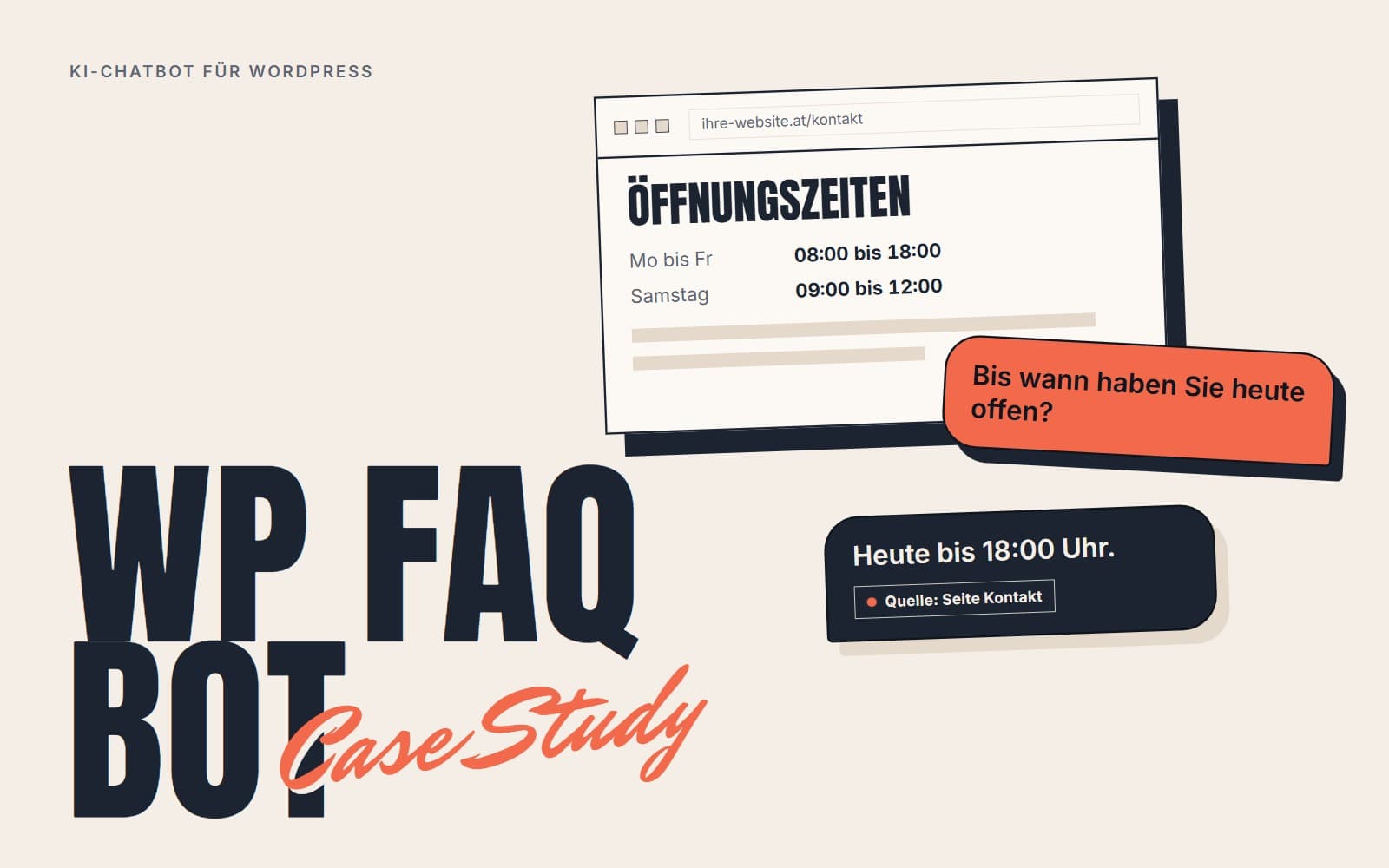
If you run a website, you get the same questions again and again: opening hours, prices, delivery times, returns. The WP FAQ Bot answers them directly on the website, from the texts that are already there. The plugin was developed in-house by Fragon Studios and currently runs on one website. If you want a chatbot like this for your own website, you will find our offer under AI chatbot for your website.
At a glance
| Project | In-house development, Fragon Studios |
| Status | In use on one website |
| Technologies | PHP 8, WordPress, MySQL, OpenAI-compatible APIs, JavaScript without a framework |
| Result | AI chatbot with vector search in MySQL, runs on standard shared hosting |
The starting point
People who run WordPress sites want to answer visitors quickly without putting someone on the phone for it. The existing chatbot plugins either work with fixed question-and-answer pairs that someone has to maintain by hand, or they depend on a particular online service: the data leaves the server, there are monthly costs, and switching is a hassle.
Our goal was a plugin that reads in the website's own content and generates answers from it. It should work with any language model that understands the OpenAI API and need no other service apart from the language model.
The key decision: vector search in MySQL
For a chatbot to answer from your own content, it first looks up the relevant passages for each question and passes them to the language model. This method is called RAG (Retrieval-Augmented Generation). The usual tools for this are dedicated vector databases such as Pinecone, Weaviate or Qdrant. For a WordPress plugin that is impractical, because most WordPress hosts do not offer such a database.
So we store the vectors directly in MySQL and calculate the similarity in PHP. Each text chunk is stored as a series of numbers (pack('f*', ...$vector) in a LONGBLOB column) and unpacked again during search. The search compares the question with all stored chunks.
That sounds slow, but it is enough for the size of typical websites: with 1,000 to 5,000 text chunks, our target value for search is under 500 ms. No second database or additional service is needed.
What this means for your project: vector search does not necessarily need a vector database. Up to about 10,000 text chunks, an ordinary database is enough. Only above that does a specialised solution pay off.
Architecture
The plugin has four parts.
Indexer
It reads in posts, pages and custom post types, splits them into chunks and has a vector generated for each chunk. When a post is saved or deleted, the index updates itself through the WordPress hooks save_post and delete_post.
Chat
It receives the question through a REST API, finds the relevant chunks and has the configured language model write an answer from them. The base instruction to the model can be changed in the admin area, so that tone, language and behaviour fit the business.
Answer cache
It remembers questions and answers on two levels: identically worded questions, and questions that are phrased differently but mean the same thing. On the website where the plugin runs, 60 to 80% of answers come from this cache after a warm-up period. That is the figure from a single installation, not an average across many.
Admin area
This is where you find the access details for the language model (URL, key, model name), the base instruction, switches for individual features and an overview of which content has been indexed.
Keeping costs under control with the answer cache
Every request to a language model costs money. A busy shop with a chatbot quickly runs up noticeable amounts, mainly because many visitors ask the same question in different words (“What are your opening hours?”, “When are you open?”, “How late are you open?”).
The cache recognises that these questions mean the same thing and returns the stored answer as long as the similarity is above an adjustable threshold. With a hit rate of 60 to 80%, the number of paid requests drops to between two fifths and one fifth.
What this means for your project: before you cut back on the model or on the length of the instructions, add a cache that also recognises similarly worded questions.
Switches instead of several versions
A small blog does not need a limit on requests per minute, but a busy shop does. Some site owners want to tune the cache themselves, others just want to switch it on and be done.
Instead of maintaining several editions of the plugin, every feature can be switched on and off individually. That keeps it to one plugin and one codebase.
Open to any provider
The plugin is not tied to any AI provider. Any service that offers the OpenAI API works, including Anthropic Claude, Google Gemini and self-hosted models.
You set three values: the API URL, the key and the model name. If you run a local model through Ollama, you enter http://localhost:11434/v1. Then no request leaves your own server. That does, however, require your own server with enough power. A local model does not run on shared hosting.
What this means for your project: you can switch provider when prices change, and you can choose a provider in the EU or a local model. Whether your use complies with the GDPR depends on the provider you choose and your contract with them.
The limits of shared hosting
A WordPress plugin has to run on basic shared hosting. There is no Composer there, and no Node.js, Python or Docker either. Everything has to work in PHP and use the WordPress database.
This limit was good for the architecture. All dependencies are bundled in the plugin, the data sits in the plugin's own tables in the WordPress database, the API uses the WordPress REST infrastructure, and the chat window is plain JavaScript without a framework.
Installation takes three steps: upload the plugin, activate it, enter the key. No command-line access to the server is needed.
Key figures
The times are target values we build the plugin around, not a series of measurements under load.
| Metric | Value |
|---|---|
| Text chunks in the index | 1,000 to 5,000 |
| Search for relevant chunks | under 500 ms |
| Loading the chat window | under 100 ms |
| First answer | under 2 seconds, including the request to the language model |
| Answer from the cache | under 100 ms |
| Indexing 100 posts | under 60 seconds |
| Share of answers from the cache | 60 to 80% (one installation, after a warm-up period) |
| Additional services | only the language model API |
| Hosting | standard WordPress shared hosting |
What you can take away for your projects
Vector search works in MySQL too
For a few thousand documents, an ordinary database is enough. In our estimate, the limit is around 10,000 text chunks.
The cache determines the running costs
Most visitors ask variations of the same questions. A cache that recognises this saves more than a smaller model.
Data protection belongs in the design
Customers in the EU ask where their data is processed. A plugin that runs on your own server and allows local models can give a clear answer to that.
WordPress can do more than people expect
Vector search and a cache for similar questions can be built in PHP on standard hosting. The platform's tight limits force you to write lean code.
Frequently asked questions
What is the WP FAQ Bot?
The WP FAQ Bot is a WordPress plugin that answers visitors' questions directly on the website, from the texts that are already there. It was developed in-house by Fragon Studios from Linz and currently runs on one website.
Does an AI chatbot for WordPress need a dedicated vector database?
No. The WP FAQ Bot stores the vectors directly in MySQL and calculates the similarity in PHP. In our estimate, that is enough for up to about 10,000 text chunks. Only above that does a specialised vector database pay off.
Does the plugin run on ordinary shared hosting?
Yes. It only needs PHP and the WordPress database, and all dependencies are bundled in the plugin. Installation takes three steps: upload the plugin, activate it, enter the key. A local language model, on the other hand, needs its own server.
Which AI providers does the WP FAQ Bot work with?
With any service that offers the OpenAI API, including Anthropic Claude, Google Gemini and self-hosted models, for example through Ollama. You set the API URL, the key and the model name.
How do you keep the running costs of an AI chatbot low?
With an answer cache that also recognises differently worded questions with the same meaning. On the website where the plugin runs, 60 to 80% of answers come from this cache after a warm-up period. That is the figure from a single installation, not an average across many.
Is using it compatible with the GDPR?
That depends on the AI provider you choose and your contract with them. The plugin leaves the choice to you: a provider in the EU, or a local model on your own server, where no request leaves the server.
The WP FAQ Bot was developed in-house by Fragon Studios from Linz.